

Monthly
R$ 39.90/month
Billed monthly.
For agencies and social media managers
TemplateOS Studio turns a screenshot of a carousel into an editable template, with the font identified and the measurements taken from the pixels. The post comes out ready to publish on:
No account. Your clients’ content stays on your computer.

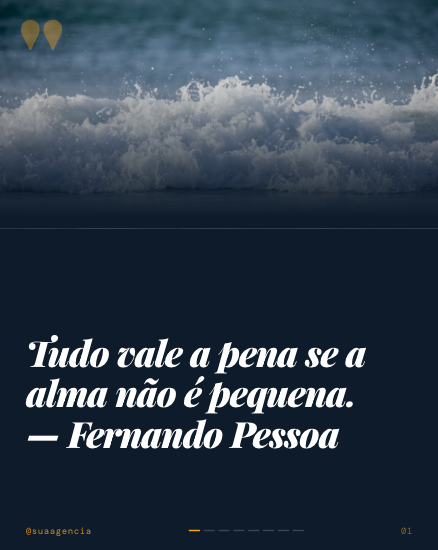
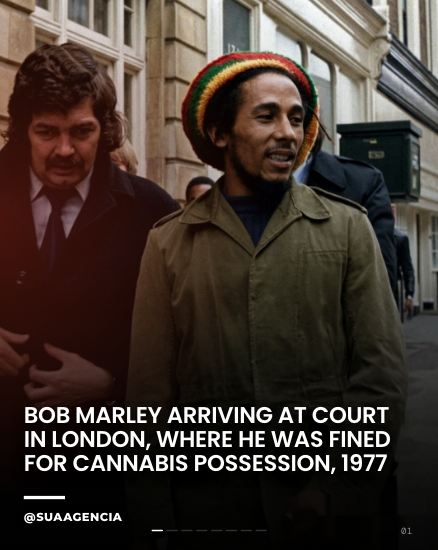
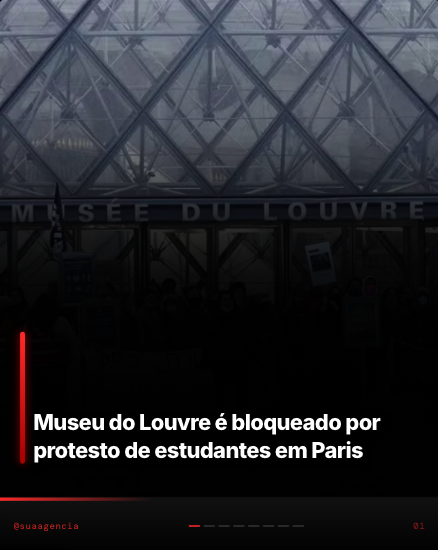
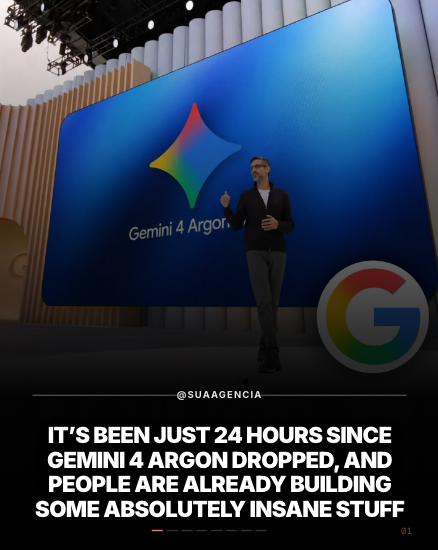
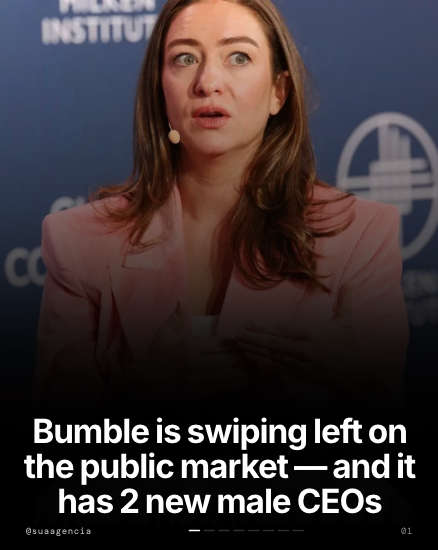
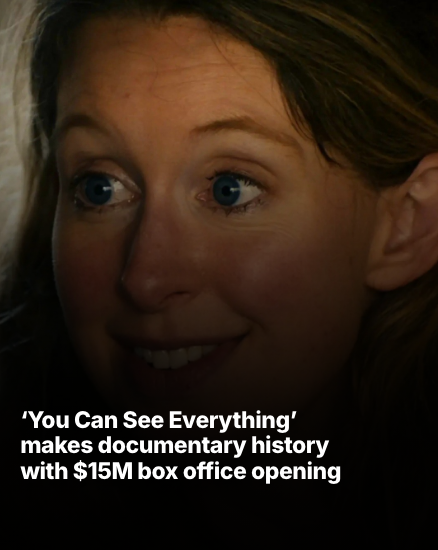
When a format starts showing up on every profile, whoever posts first gets the reach.
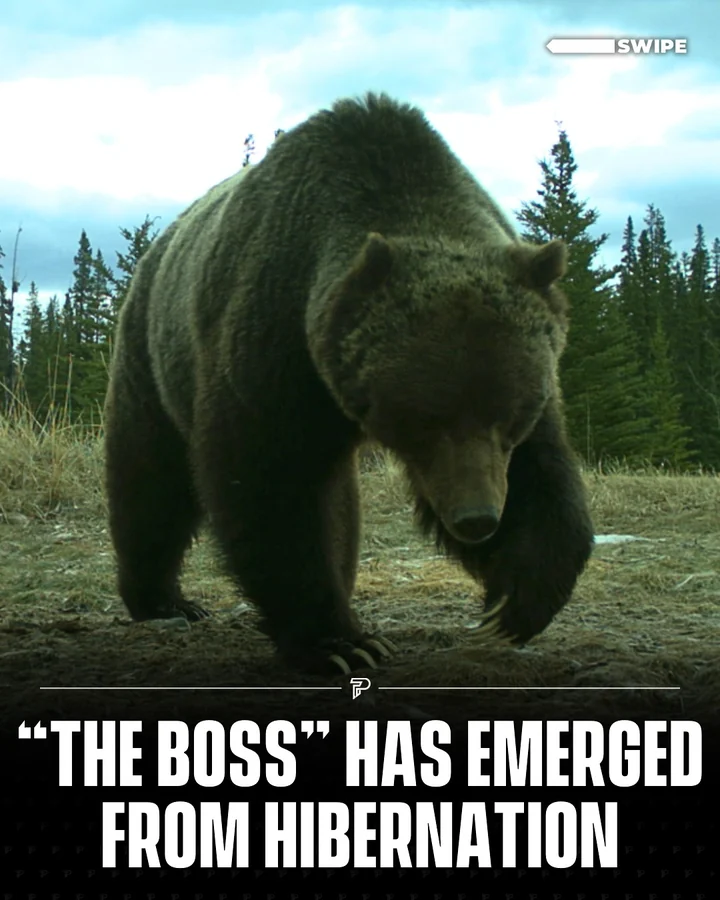
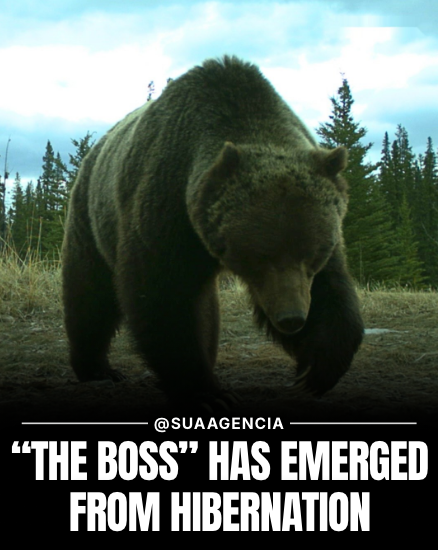
Instagram shows this label under the profile name when it recognizes an image made or edited by artificial intelligence, through the markers the generator writes into the file. And that cuts reach. In TemplateOS Studio, the post is designed in the editor, with your photo and your text, and the exported image comes out without that “Made with AI” label.
Without the label, the same post goes further. In a Copenhagen Business School study, the same content, just for carrying the label, got people to like and share it less.2 And engagement is how Instagram decides how many people to show each post to.3
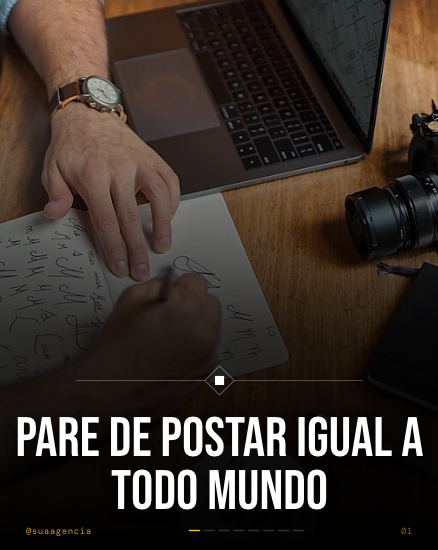
The more generic the post, the less chance it has to stand out.
 @exameEditorial
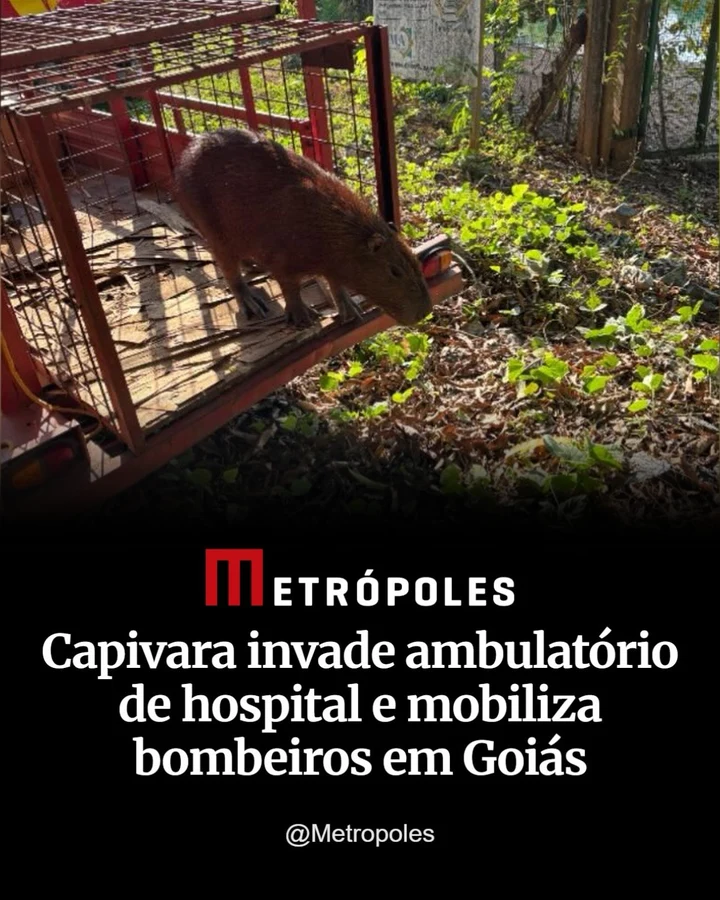 @metropolesModerno
 @thebabylonbeeMinimal
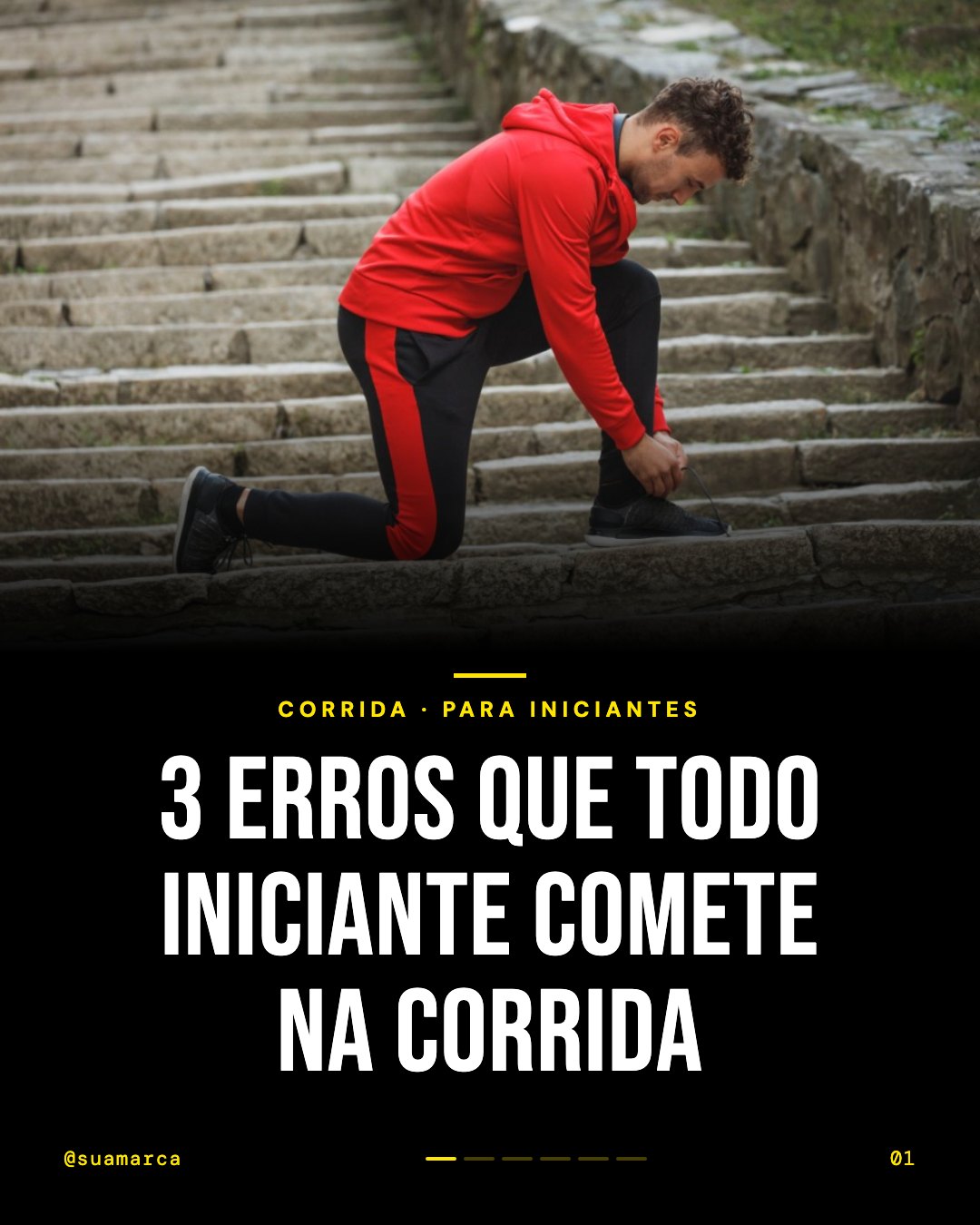 @suamarcaBold
 @suamarcaGradiente
 @suamarcaMagazine
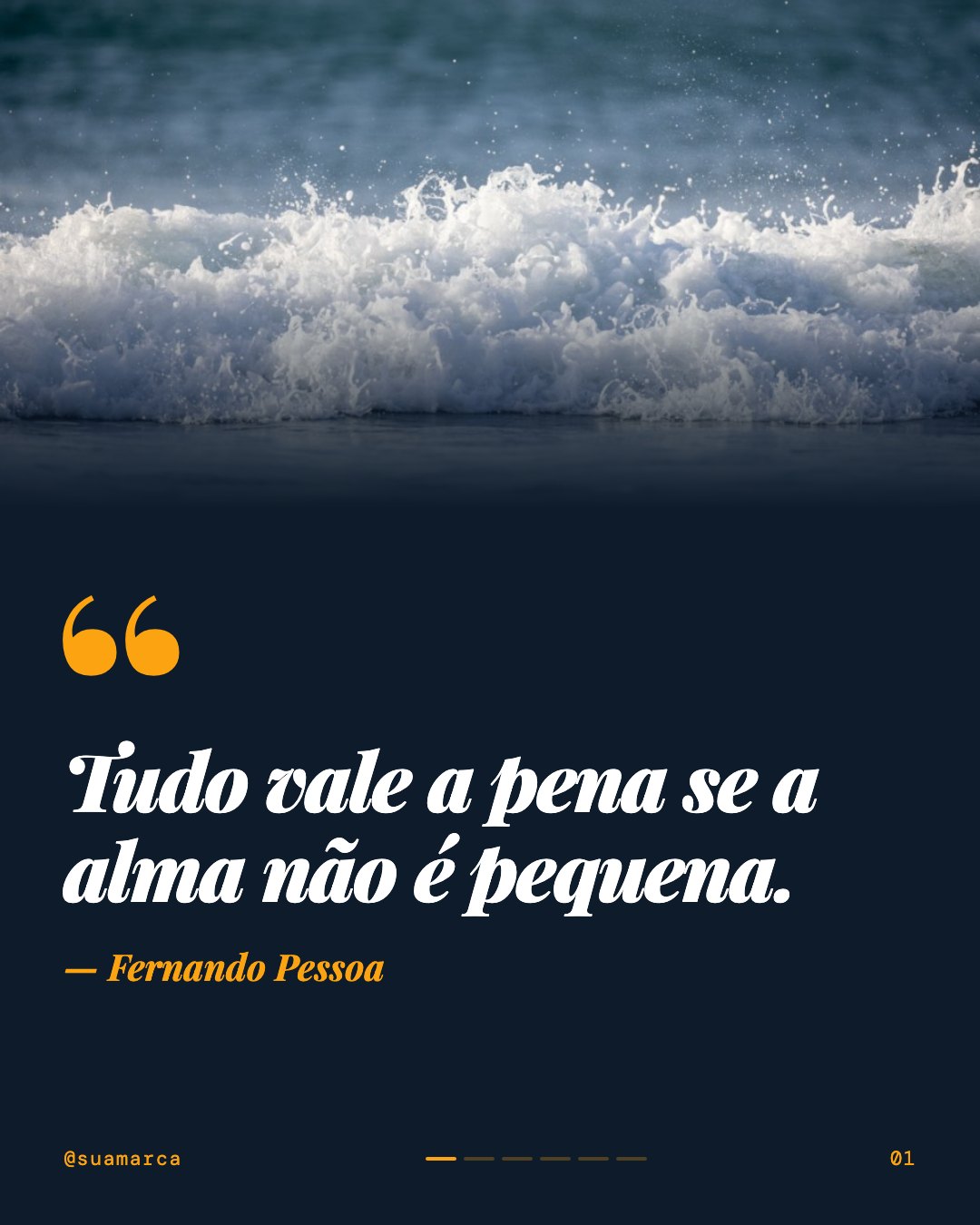 @suamarcaCitação
 @suamarcaNeon
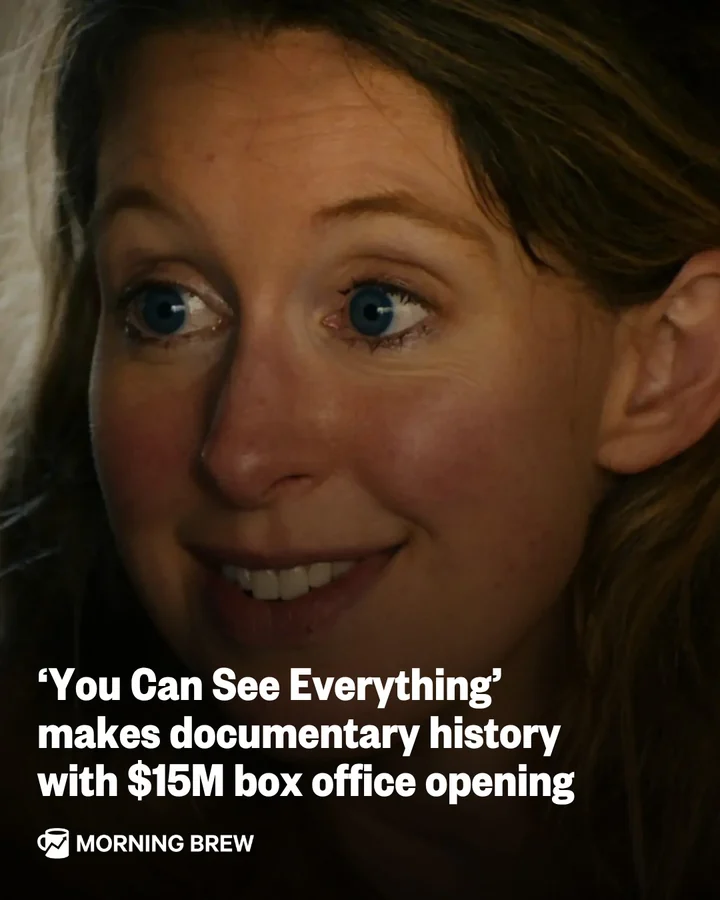 @morningbrewNewscard
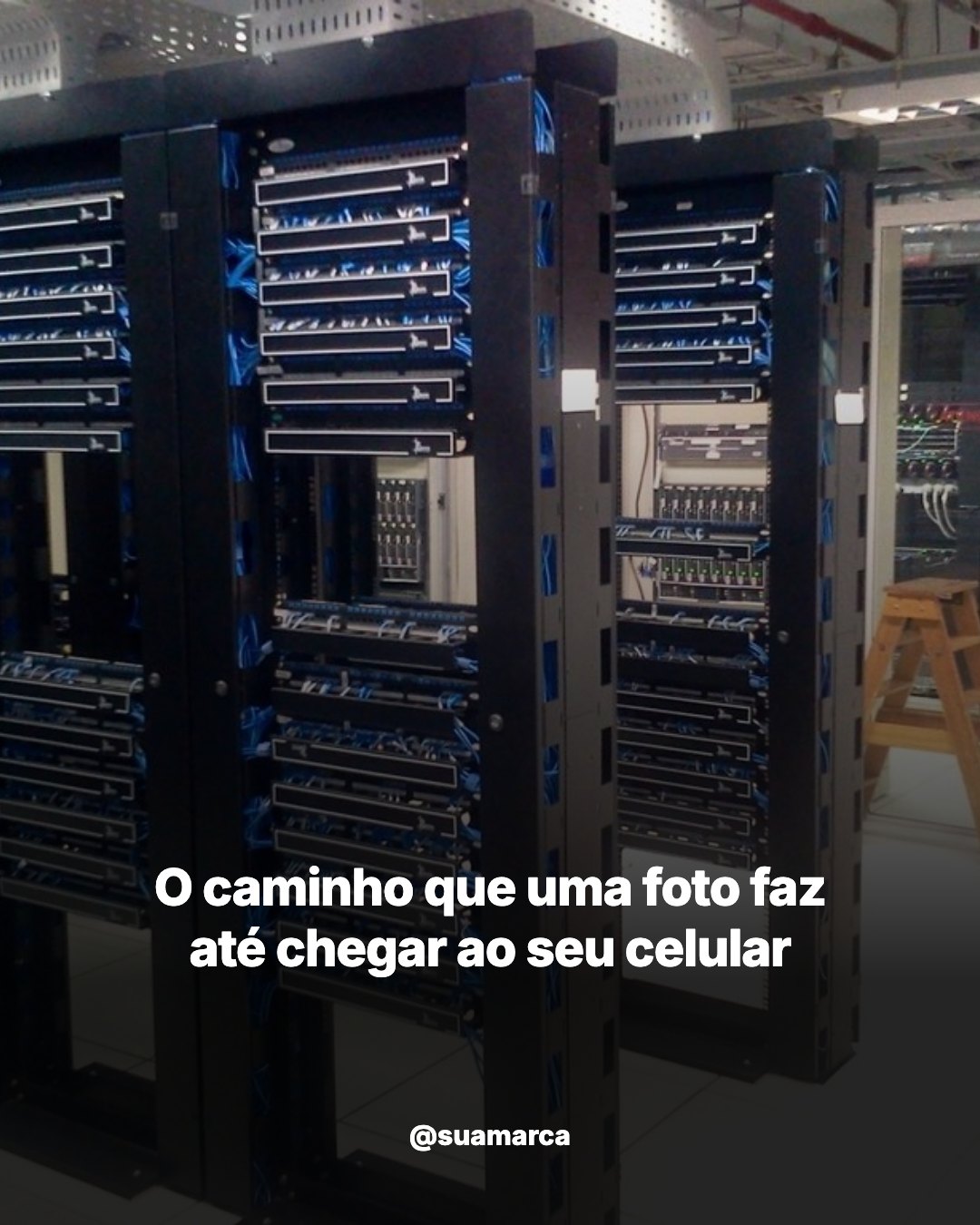 @suamarcaNewscard Dark
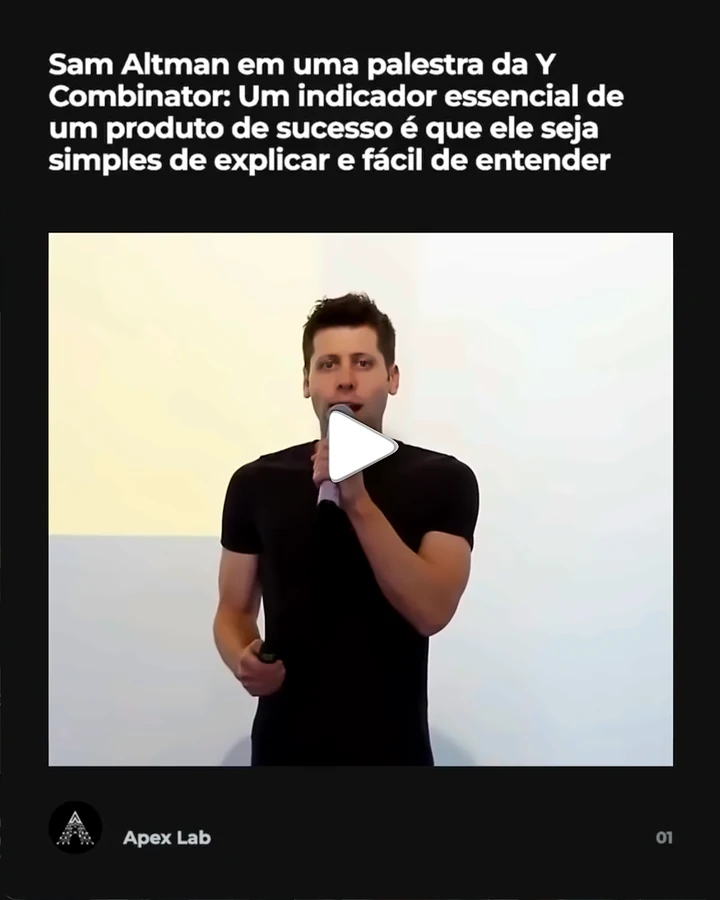 @laboratorioapexNewscard Dark Video
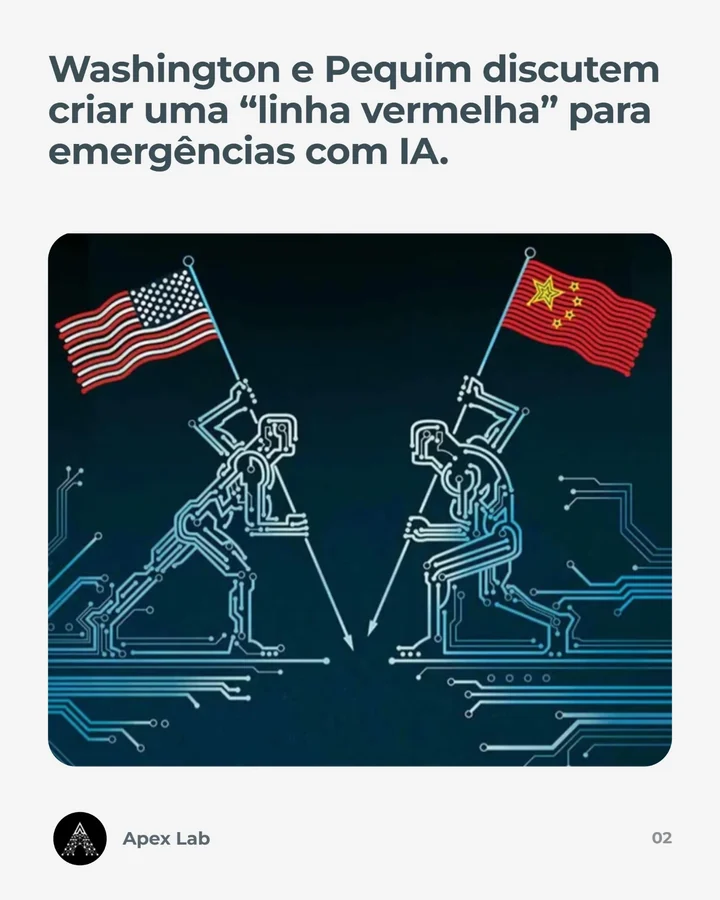 @laboratorioapexNewscard Video
 @chatgptricksVintage Highlight
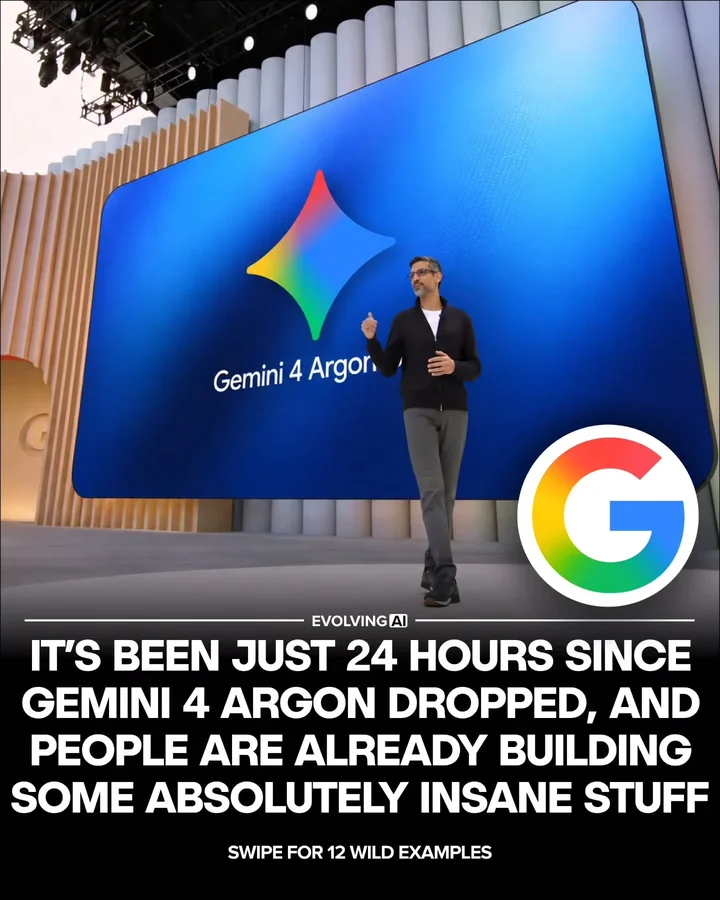 @evolving.aiMidline Post
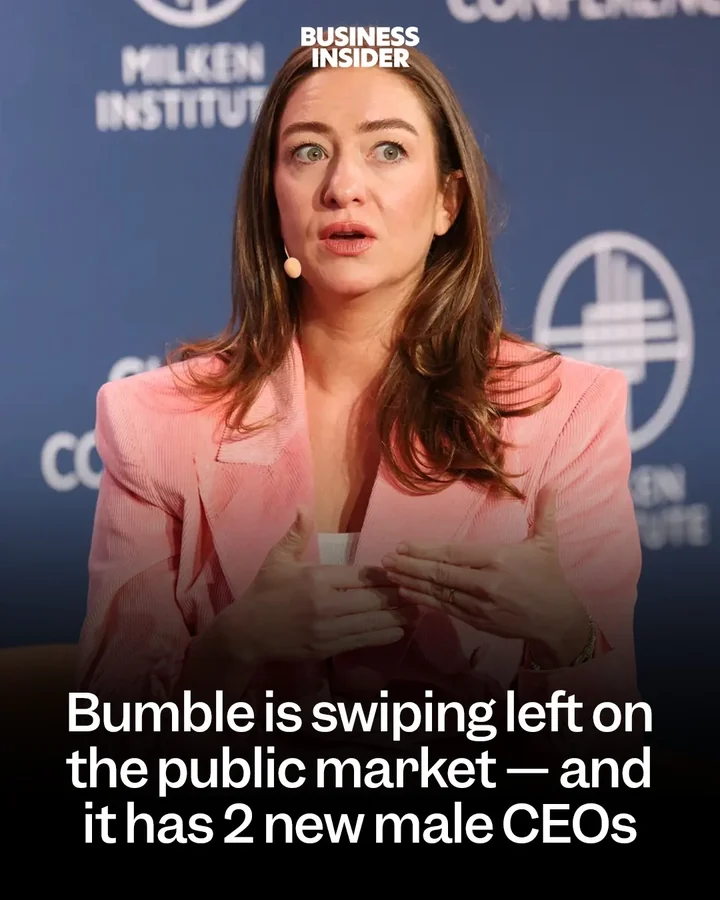 @businessinsiderQuote Focus
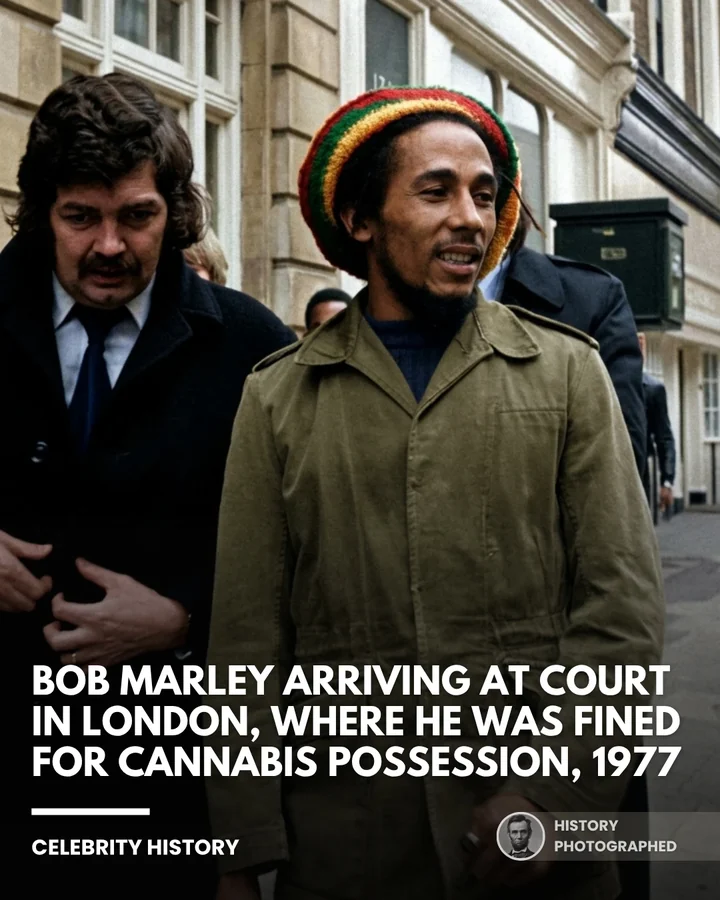 @historyphotographedHistory Profile
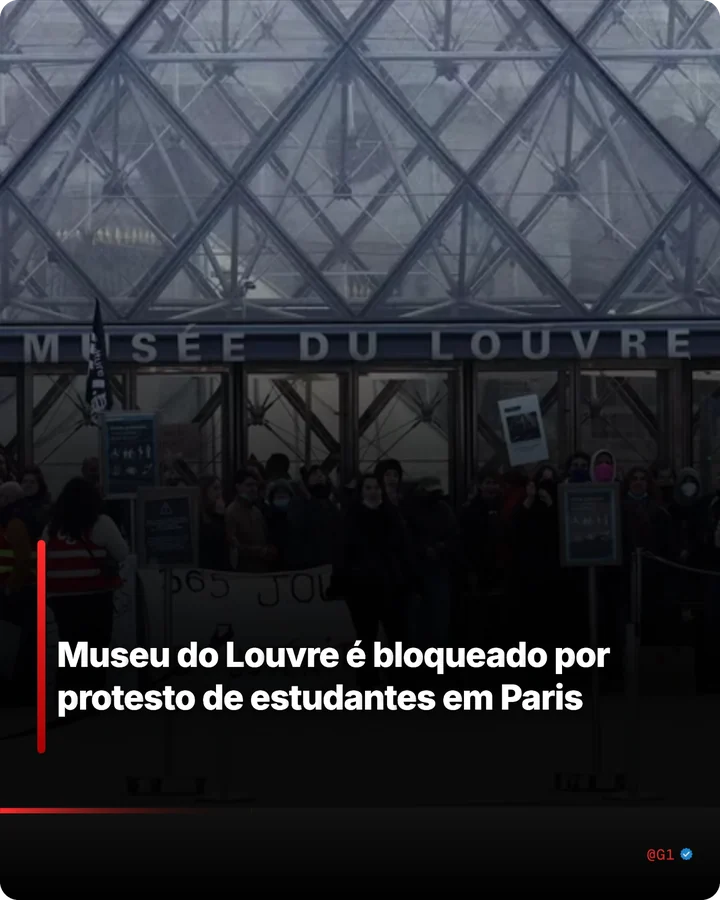 @g1Breaking News@pubityEpic Editorial
 @bloombergbusinessFinance Editorial
The same project becomes a continuous MP4, with background music, each video’s audio in its own segment, slow zoom and fades. No rebuilding anything in a video editor.
Several clients and one post after another.
Many brands, each with its own style.
The format that worked, with your identity.
Professional posts without depending on a designer.
Finding the carousel is easy. The work comes after the screenshot:
And all over again for the next post. In the most common social media package, that’s 12 a month for each client.1
In TemplateOS Studio, it takes 4 steps.
TemplateOS Studio turns a screenshot of a carousel, or of any visual reference, into an editable template, already with your brand.
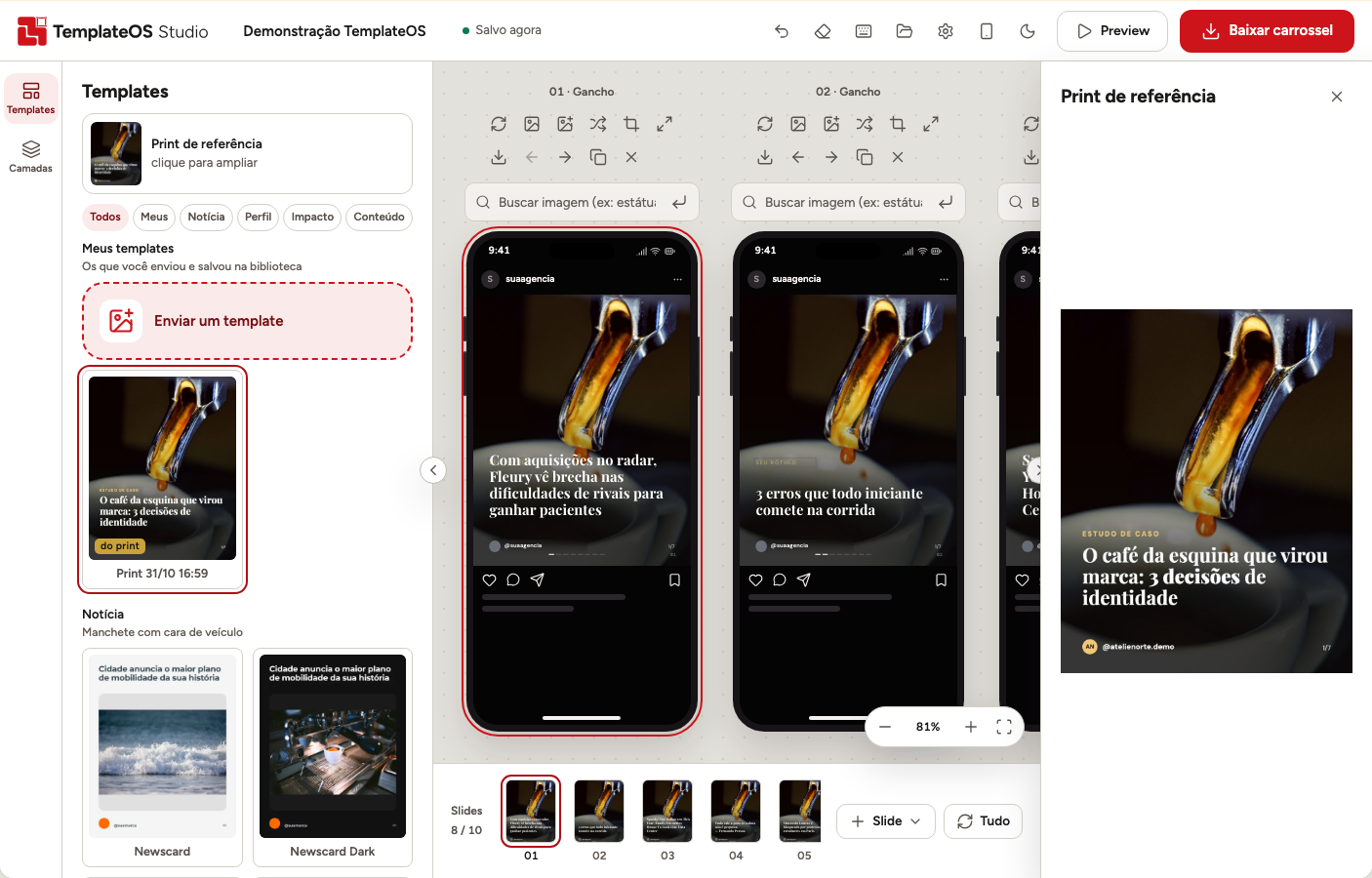
Through the “Enviar um template” (Upload a template) card, or by pasting the image.
Text, font, colors, measurements and positions become editable elements.
The poster’s name and @ become your brand’s.
With the screenshot alongside, review whatever comes marked confira (check) and download.
Less time recreating. Less time fixing. More content ready.
| Task | By hand | TemplateOS Studio |
|---|---|---|
| Recreate a saved carousel | Build everything from scratch | The screenshot becomes an editable template |
| Find the font | Try font-identification websites | Identifies the font by the shape of the words |
| Sizes and spacing | Eyeball it | Measured on the original |
| Colors | Eyedropper, one at a time | Taken from the reference |
| The poster’s name and @ | Erase and redo | Replaced with your brand |
| What to review | Compare by eye | Comes marked “confira” (check), with the screenshot alongside |
| Several clients | A folder for each one | Named projects, each with its own brand |
| Find photos | Open several image libraries | Up to 6 libraries in a single search |
| Photo credits | Look up the author and license | The credits file comes with the export |
| Turn into Reels or TikTok | Rebuild it in a video editor | The same project becomes an MP4 |
Expected launch pricing
Outsourcing the recreation of a layout costs R$ 42 to 125 per post.1 With TemplateOS Studio, a whole month costs less than one post.
Join the waitlistExpected prices, subject to change until launch. People on the waitlist hear first.
R$ 39.90/month
Billed monthly.
R$ 297/year
Works out to R$ 24.75 a month.
Save R$ 181.80 over 12 months compared with the monthly plan.
Didn’t find yours? Write to contato@templateostudio.com.
TemplateOS Studio is a tool for turning visual references, such as screenshots of Instagram carousels, into editable templates. It analyzes the layout, identifies text, fonts, colors and measurements, and lets you adapt the result to your brand and keep editing.
You send the screenshot through the “Enviar um template” (Upload a template) card (or paste the image), TemplateOS reads the structure of the layout and builds an editable reconstruction, with your brand in place of the poster’s profile. Then you review the points marked “confira” (check), adjust whatever you want and export.
It compares the shape of the words in the screenshot with the 45 included font families and picks the closest match. If the original font isn’t among them, the most similar one is used, and you can change it in the style panel.
There’s no guarantee of a perfect reproduction in every case. TemplateOS aims to rebuild the reference with high fidelity: it reads the positions, measures sizes, spacing and colors on the original, and marks with “confira” (check) whatever may need review.
It means that element of the reconstruction has some uncertainty and should be reviewed before exporting. The original screenshot stays alongside for comparison; once you’ve checked it, you mark the element as checked.
The text, right on the slide; moving, rotating and resizing the elements; the font, the color, the shadow and the outline. And every change can be undone.
Yes. Your brand has a name, @, photo, logo and verified badge (if you want one), saved in each client’s project. You set it up once, and when a screenshot is read, the poster’s name and @ are replaced with yours.
No. Creating and editing happen in the Chrome extension, on a computer.
No. The editor works without signing up.
No. Projects, brands and templates are stored on your computer. What goes out to the internet is the reduced screenshot, when you ask for it to be read, to the TemplateOS Studio server and the service that interprets the image, and image searches, to the libraries being searched. Details in the privacy policy (in Portuguese).
Partly. The editor, the templates, the topic-based generator and saved projects work without a connection. Reading a screenshot and searching for images need the internet.
Yes. The same project becomes a continuous MP4 video, with slow zoom, fades, background music and each video’s audio in its own segment. The video comes out in the feed’s 4:5 (1080 × 1350), not in full-screen 9:16.
PNG and JPG at 2160 × 2700, a ZIP with all the slides, MP4 video and the whole project in a .zip, with its media. In a browser that can’t record MP4, the video comes out as WebM.
Yes, in the same 4:5 (1080 × 1350): the Facebook feed, TikTok photo mode, LinkedIn, Threads, Pinterest and the portrait image of Google Ads Demand Gen ads. Other sizes aren’t part of the current version yet.
The expected launch price is R$ 39.90 a month or R$ 297 a year. Prices may change until launch.
TemplateOS Studio doesn’t try to replace every feature of a general-purpose editor like Canva. It specializes in the workflow of turning visual references into editable templates adapted to your brand.
Fidelity and workflow. Instead of swapping the font for a similar one, TemplateOS identifies the font by the shape of the words; reads the positions and measures sizes, spacing and colors on the original; shows the reference alongside; marks with “confira” (check) whatever is uncertain; replaces the poster’s profile with your brand; and continues in the same editor through to the library, the export and the video.
Turn references into content for your brand without starting from scratch.
People on the list hear about the launch first.